
A real estate photography company does not sell to one-off customers the way a wedding photographer does. It sells to brokerages, and a brokerage is a client that sends work every week, through several agents, with its own rules about how a listing should look. That changes what a CRM has to do. A standard sales CRM tracks leads and deals; a real estate photographer needs to track clients, their standards, every property shot for them and whether each shoot was delivered, approved and paid. This guide covers what a CRM for real estate photographers should track, how a sales CRM differs from an operations platform, and how your records can connect to the CRM your brokerage clients already use.
Does a real estate photographer need a CRM?
Yes, but probably not the one most CRM vendors sell. A sales CRM is built around the pipeline before the contract: leads, calls, proposals and closed deals. For a real estate photography company, most of the work starts after the deal is closed. A brokerage that signs with you will send 5, 20 or 40 shoots a month, and the relationship is won or lost on what happens to each of those shoots. That is why the record a real estate photographer opens most often is not the lead; it is the order, tied to a property address. At Piperz, we recommend separating the two jobs clearly. Keep prospecting in whatever simple sales tool you like. Run the work itself, from the order to the payment, in a system built around shoots and properties. On the Piperz platform, the features listed for that side of the job are booking, cost control per property, a history of files and information, and online tracking of each shoot. How to win those recurring brokerage clients in the first place is covered in how real estate photographers land recurring clients.
What should a CRM for real estate photographers track?
Six things, and only the first one looks like a traditional CRM. At Piperz, we recommend checking any tool against this list:
- Client accounts and contacts. The brokerage is the client, and the agents, office managers and marketing coordinators are its contacts. Orders come from many people under one account.
- Each client's brief. The rooms they require, the number of photos, the file specifications and whether they want a branded version.
- Orders by property address. Every shoot tied to the property, so a listing that comes back on the market can be found in seconds.
- Delivery status. Scheduled, shot, editing, delivered, approved.
- Payment status. Invoiced, paid, overdue, per shoot and per client.
- Volume per client per month. The number that tells you which accounts are growing and which are quietly moving to another vendor.
The Piperz design covers the operational part of this list. Briefs are created and configured in the panel, the archive is organized by the property's address, and delivery, approval, payment and invoice happen in one flow. That leaves the photographer with one place to look instead of a calendar, a drive, a spreadsheet and a chat app.
Sales CRM or operations platform: which one does a photography company need?
Most companies end up needing both, with a clear line between them. The table compares the three setups generically.
| Generic sales CRM | Spreadsheet + shared drive | Media operations platform | |
|---|---|---|---|
| Main record | Lead or deal | A row per shoot | Order tied to a property address |
| Client brief | A note in the contact | A separate document | Configured once, sent with every order |
| Delivery | Not tracked | Links and folders | Gallery with versions by destination |
| Approval | Not tracked | By message | In the same flow as delivery |
| Payment | Deal value only | Manual follow-up | Invoice in the same flow |
| Finding an old shoot | Not possible | Depends on folder names | Search by address |
A sales CRM is good at the conversation before the first order. A spreadsheet works until the second or third brokerage sends work in the same week. Piperz sits in the third column: one dashboard to run photographers, shoots and delivery, with media that lands in the client's CRM without anyone renaming a file. It is not a replacement for a sales pipeline, and we would not present it as one.
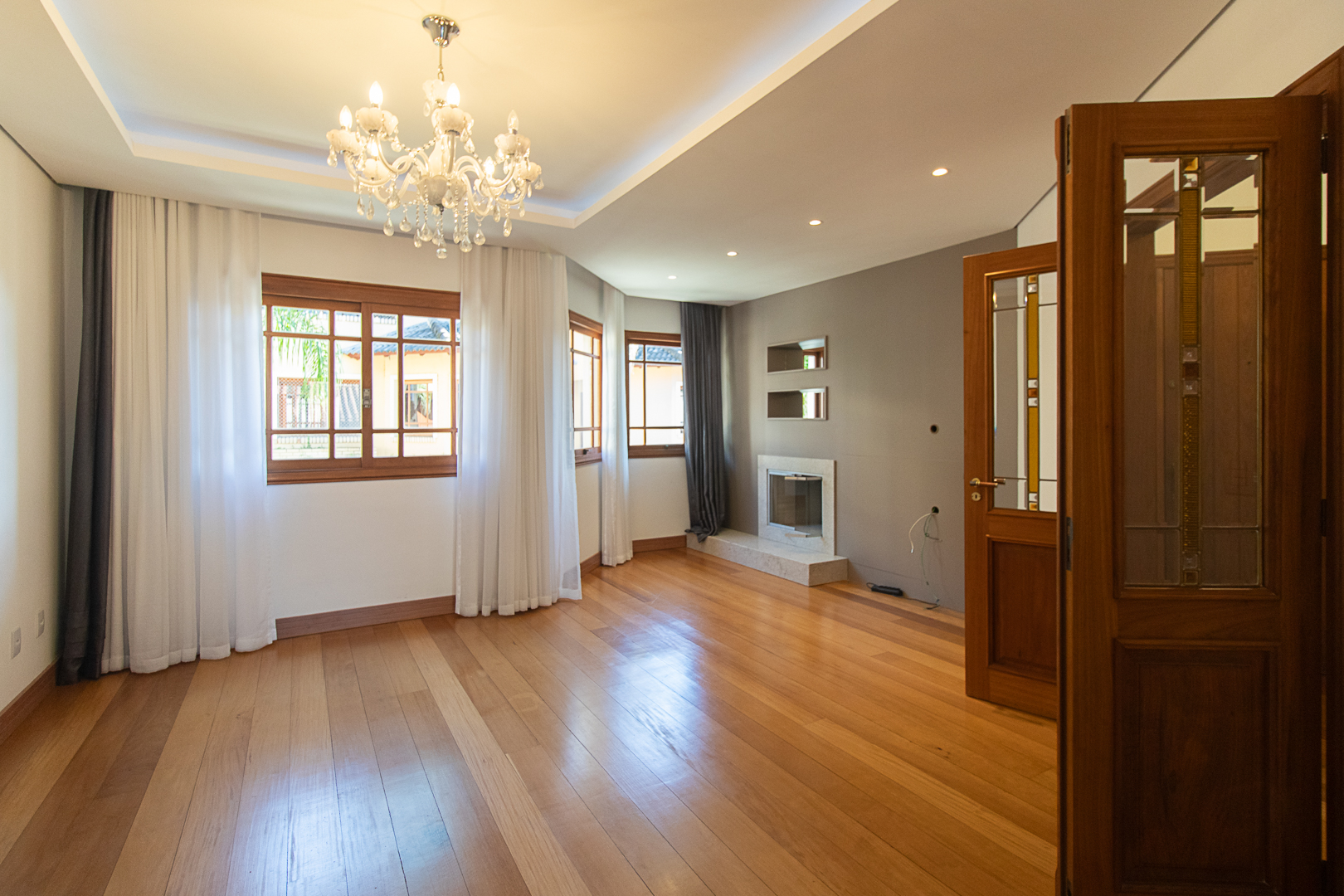
Interior photographed by a professional real estate photographer
How do you keep each brokerage's requirements on file?
By attaching them to the order instead of to someone's memory. Every brokerage has its own preferences: one wants the common areas of the building in every shoot, another wants a branded version for its website, a third has a minimum number of photos per listing. When those rules live in an email from six months ago, the new assistant editor will miss them, and the client will notice. A brief that travels with every order removes that risk. In the Piperz panel, mandatory briefs are created and configured once, so every photographer who shoots for that client delivers to the standard that was set. The branded version works the same way: the watermark is optional, the client switches it on once, and from then on the system creates a separate folder with watermarked images next to the clean version for listing sites. At Piperz, we also recommend keeping a short changelog for each client's brief. When a brokerage changes its standard, you want to know which shoots were delivered under the old rule.
How do orders, delivery and payment show up in the client record?
As one sequence, so the account history is also the billing history. In most small photography companies, the order arrives by message, the files go out by link, the approval comes back by email and the invoice is a separate document that someone has to match to a property weeks later. Each step lives in a different tool, so the client record is always incomplete. In the Piperz flow, the gallery goes up, the client approves, the payment is processed and the invoice enters the flow. On the client side, Piperz consolidates many invoices into one monthly invoice by office or cost center, which is the format a multi-office brokerage's finance team asks for. For the photographer, the practical result is that "what did this client order last month, and what is still unpaid?" becomes a lookup instead of an afternoon of reconciliation. How to keep payment from becoming a chase in the first place is in how real estate photographers avoid late payments.
How do you connect your records to the brokerage's CRM?
With a reference code that both sides agree on before the first shoot. Your brokerage clients almost always run their own CRM or listing system, and the files you deliver have to land on the right property record there. The Piperz delivery notification is built for that handoff. When a shoot is finished, Piperz sends an HTTP POST to the endpoint the client configured, with a session identifier, the reference code the client provided, the property's address and the material organized by service, with direct links to each file. A separate field marks media of the building's common areas, so those photos can go to the development record instead of the unit. The integration panel keeps a delivery log with the HTTP status returned by the client's server, the payload sent on each attempt and a manual resend button. The full specification is on the Piperz API page. At Piperz, we recommend asking each client which code identifies a property in their system before the first order, not after the first orphaned delivery.
Frequently asked questions
Is a regular sales CRM enough for a real estate photography company?
It covers prospecting, but not the work itself. A real estate photographer also needs each client's brief, every order tied to a property address, delivery and approval status and payment status. At Piperz, we recommend keeping sales in a simple CRM and running orders in a system built around shoots.
What should a real estate photographer track for each client?
The brokerage account and its contacts, the client's brief, every order by property address, the delivery and approval status, the payment status and the number of shoots per month, which shows which accounts are growing and which are moving to another vendor.
Can delivered photos reach the brokerage's own CRM automatically?
Yes. When a shoot is finished, Piperz sends an HTTP POST to the endpoint the client configured, with the client's reference code, the property's address and links to each file, organized by service. A delivery log shows each attempt and allows manual resends.
Is Piperz a sales CRM?
No. Piperz runs the operation around each shoot: briefs, booking, delivery, approval, billing and an archive organized by the property's address. Prospecting and sales follow-up stay in the tool you already use for them.
A photography company's best clients are the ones that send work every week, and they stay when every order is delivered the same way. To see how that looks on one dashboard, talk to us about the Piperz software.
Written by the Piperz Editorial Team
__Piperz__ is a platform dedicated to simplifying the secure delivery of real estate media, connecting photographers and helping brokerages and agents sell faster through professional imagery.