A listing rarely lives in one place. The same property goes to your MLS, to several listing sites, to your own website and to social media, and each destination has its own idea of what a photo should be. Some listing sites publish detailed photo requirements; others publish almost nothing and let you find out by rejection. Either way, the brokerage that prepares photos site by site ends up resizing, renaming and re-uploading the same shoot several times. This guide does not summarize any listing site's rules, because they belong to each site and they change. It covers how to read those rules, how to build one master photo set that passes everywhere, what to check when a photo is rejected and how to keep the gallery consistent over time.
Do listing sites have their own photo requirements?
Many do, and they are not always the same as your MLS's. A listing site can publish rules on file size, dimensions, the number of photos, text or logos on the image, and whether the photos must show the actual property. If a site offers a premium listing format, read that format's own media requirements too, because they can be stricter than the standard listing. The harder case is the site that publishes nothing. Then each agent discovers the rule alone: one finds out that vertical photos get cropped, another that large files fail to upload, and the knowledge stays in the head of whoever tripped over it. At Piperz, we recommend the same approach for both cases: keep a short sheet with the current published rule of each site you use, the link to the source and the date someone checked it, and mark "not published" where nothing exists. Piperz applies the same logic to its own shoots in Brazil: meeting the strictest published rule once lets the same files go to any site without rework. The MLS side of the same exercise is in MLS listing photo requirements and your brokerage standard.
How do you build one photo set that passes on every listing site?
By taking the strictest line from each rule you collected and making it your default. If one site caps the file size, every file meets that cap. If one site rejects text on the image, no listing photo carries text. If one site crops vertical images, the listing set is horizontal. The result is a master set that every destination accepts, with no per-site edits. At Piperz, we treat that as a delivery rule, not as a publishing task. In its markets in Brazil, the Piperz shoot comes out the same regardless of where the listing will go: JPG files, horizontal framing, the room sequence defined before the shoot, and images clean of logos, phone numbers and watermarks. The download optimized for listing sites already comes out at the right size and weight. Outside Brazil, the Piperz software applies the same idea to your own photographers' files: the system creates separate folders automatically, with clean, lightweight images optimized for listing sites and, when you switch it on, a watermarked set for your own channels. The branded set never goes to a listing site, so it never becomes the reason a listing is rejected.
Why do listing photos get rejected or removed?
Usually for one of a handful of reasons, and the first question is whether the photo never published or disappeared later. Those two symptoms point to different causes. At Piperz, we use a triage like the one below with brokerages before anyone opens a ticket with the listing site.
| Symptom | Likely cause | What to check first |
|---|---|---|
| Upload fails | File too large, wrong format or wrong dimensions | The site's published file limits |
| Photo uploads but looks cropped | Vertical or unusual aspect ratio | The orientation of the master set |
| Photo removed after publishing | Text, logo, phone number or watermark on the image | Whether the branded set was sent by mistake |
| Photo flagged as not matching | Image from another property or an old listing | The archive record for that address |
| Listing flagged as duplicate | The same photos on two listings | Whether a unit's photos were reused |
| Photo reported by a third party | Rights to the image | Who shot it and under which license |
Most of these are file problems, not photography problems, and most are prevented upstream, at delivery. A photo of the wrong property is the exception that hurts most, because the fix is not technical: someone has to find the right shoot.
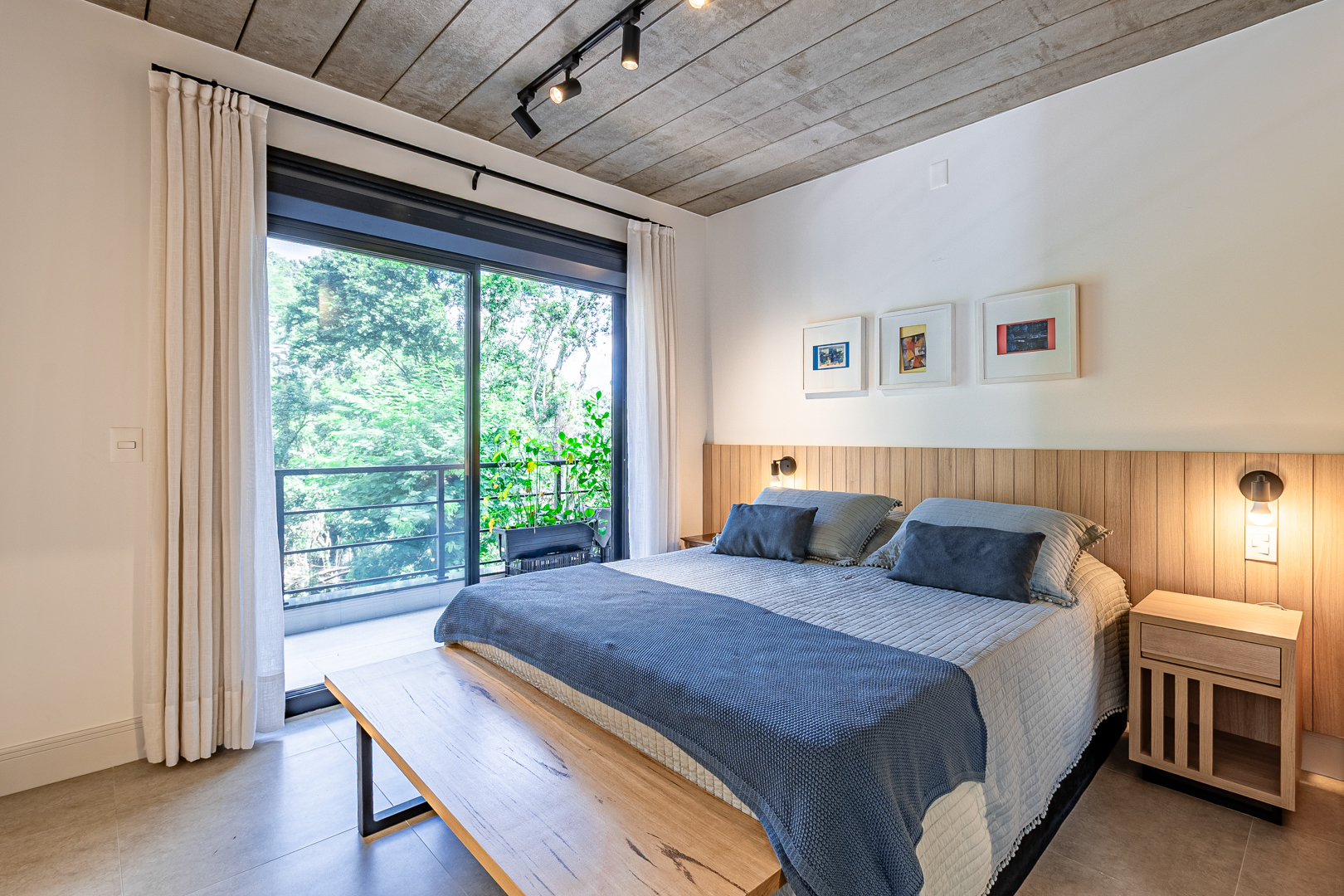
Kitchen and living area photographed for a listing
Should you upload photos to each site or send them from your CRM?
Send them from one place whenever you can. When a brokerage uploads the gallery site by site, every site ends up with a slightly different order, a different cover photo and, sooner or later, a different set. When the gallery is set once in your CRM or listing system and syndicated from there, the order and the cover go out the same way to every destination. One caution applies to feeds: a manual fix made directly on one site can be overwritten by the next sync from your system, so the fix belongs in the source record. That is why Piperz focuses on the step before syndication. With the Piperz software, media lands in your CRM without anyone renaming a file, and when a shoot is finished a webhook sends your property reference code, the address and the download links to the endpoint you configured. At Piperz, we recommend setting the gallery order and the cover photo in that source record, and nowhere else. The delivery side of that handoff is covered in real estate photo delivery software.
Which photo should lead the listing?
The strongest room the buyer will actually get, not the facade by default. The first photo is the one that competes for the click on a list of results, so it should be the most appealing sellable space: a bright living room, a terrace with an open view or a facade that is genuinely the property's best feature. After the cover, follow the order of a visit, keep all photos of the same room together and never open the gallery with a bathroom, a hallway or a dark photo. At Piperz, the first photo is decided at the shoot: in Piperz's markets in Brazil, the room with the most impact becomes the first photo, so the cover does not depend on whoever uploads the listing. The gallery is delivered in a standardized room sequence, which removes the reordering work for each property. For a brokerage, the practical step is to write the cover rule into the brief your photographers receive. If a listing gets views but few inquiries, test a different cover before any conversation about price. The full case for professional listing photos is in how to choose a real estate photographer.
How do you keep listing photos consistent over time?
By tying every shoot to the property's address and keeping the original. Listings come back: a rental turns over, a sale falls through, an owner relists a year later. If the photos live in a folder named after the agent or the date, the next listing starts from scratch or, worse, reuses photos from the wrong unit. The Piperz archive is organized by the property's address, so a listing that comes back on the market already has its shoot on file, and the brokerage decides whether to reuse it or refresh it. Two habits make that archive safe to reuse. First, record when each shoot was made, so nobody republishes photos of a kitchen that has since been renovated. Second, never reuse the photos of one unit on the listing of another unit in the same building, even if they look identical; that is exactly the duplicate a listing site may flag. The Piperz archive stays available while the contract is active; after cancellation, the terms of use give the client up to 30 days to download the stored files, and the client remains responsible for keeping backup copies.
Frequently asked questions
Do listing sites have the same photo requirements as the MLS?
Not necessarily. Each listing site can publish its own rules, and some publish almost none. At Piperz, we recommend keeping a sheet with the current published rule of each site you use, the link to the source and the date someone last checked it.
How do you make one photo set work on every listing site?
Take the strictest line from each site's published rules and make it the default for every shoot: file size, dimensions, horizontal framing and no text, logos or watermarks on the image. The branded version goes only to your own channels.
Why was a listing photo removed after it was published?
Common causes are text, a logo or a watermark on the image, a photo from another property or an old listing, the same photos on two listings, or a dispute over the rights to the image. Check the file and the archive record before opening a ticket.
Which photo should be the cover of a listing?
The most appealing sellable room, such as a bright living room or a terrace with a view, not the facade by default. At Piperz, we recommend writing that rule into the brief, so the cover does not depend on whoever uploads the listing.
Listing sites change their rules; your master photo set should not have to change with them. To see how the Piperz software delivers listing-ready files and hands them to your CRM, talk to us.
Written by the Piperz Editorial Team
__Piperz__ is a platform dedicated to simplifying the secure delivery of real estate media, connecting photographers and helping brokerages and agents sell faster through professional imagery.