
A brokerage with one office can run its listing photos on habit: the same photographer, the same shared folder, the same person who knows where everything is. A brokerage with five or ten offices cannot. Each office ends up with its own photographer, its own way of briefing the shoot and its own folder structure, and the listings start to look like they came from different companies. Real estate photography management software exists to fix that. This guide explains what it does, which features matter for a multi-office team, how it compares with the setups most teams already use and how it fits next to your CRM.
What is real estate photography management software?
It is the software that runs a brokerage's listing media as one pipeline, from the moment a shoot is booked to the moment the files are published and archived. A photo editing tool works on the image; a file-sharing tool moves it. Management software works on the process around the image: who books the shoot, what the photographer is asked to deliver, where the files land, who approves them, how they reach the CRM and how the vendor gets paid. Piperz describes its software as one pipeline for every shoot, every office and every listing, with scheduling, delivery, watermarking and CRM handoff in one place, whether the photographers are yours or come from its network. The point is not to add another app to the stack. The point is that every new listing follows the same steps, in the same order, no matter which office signed it. Where that pipeline usually gets stuck is covered in how to manage real estate photo and video production.
What does real estate media delivery software do for a multi-office brokerage?
It gives headquarters one view of something that is otherwise spread across every office. In a typical network, each office books its own shoots, receives files its own way and pays its own vendors, so nobody at the brand level can say how many listings are waiting for media or what media costs per office. The Piperz software addresses that from one dashboard, where the team runs photographers, shoots and delivery. Four features carry most of the weight for a multi-office team. Standard briefs: in the Piperz panel, you create and configure mandatory briefs so that every photographer, yours or from the network, delivers to the standard you set. Automatic delivery folders: clean and watermarked versions come out separately, without anyone resizing files. Consolidated billing: many photographer invoices become one monthly invoice, consolidated by office or cost center. A permanent archive: media is organized by the property's address, so a listing that comes back on the market already has its shoot on file.
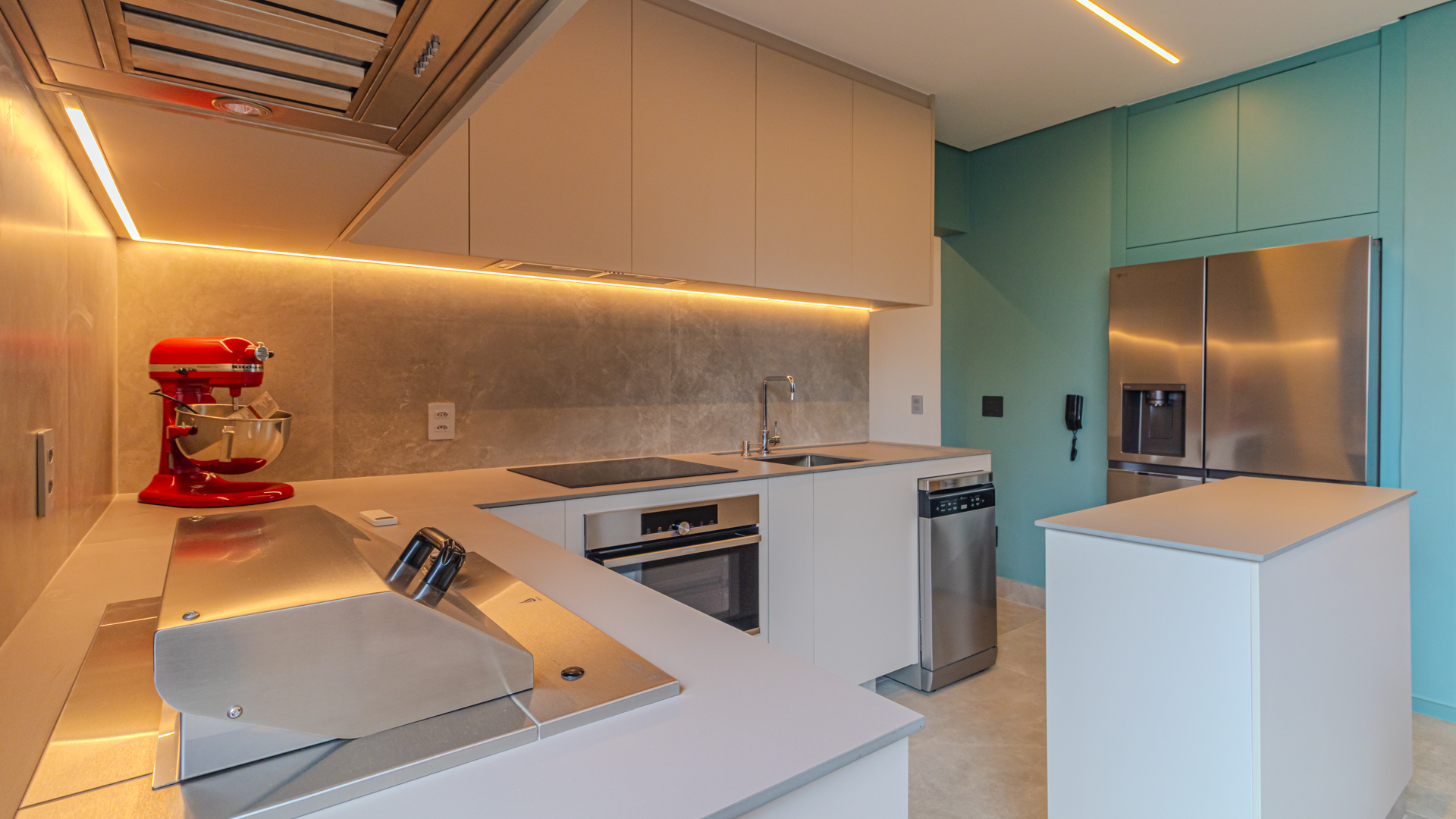
Interior room photographed by a professional real estate photographer
Which setup fits your volume: spreadsheet, photographer tools or a media platform?
The answer depends less on the size of the brokerage than on how many offices share the same standard. Piperz uses three questions as the test for professionalizing: can someone say, right now, which stage every property is in; can you find the original files from a shoot two years ago in under five minutes; and do you know last month's total media cost without opening several vendors' invoices? The table compares the three setups generically.
| Spreadsheet + shared drive | Each photographer's own tools | Media management platform | |
|---|---|---|---|
| Works best for | One office, low volume | Offices that each keep a local vendor | Several offices on one standard |
| Brief | Whatever each office sends | Each photographer's own | Mandatory brief configured once |
| Delivery | Links and folders | Each vendor's gallery | One place, versions by destination |
| Approval | By message | Inside each vendor's tool | Same flow as delivery |
| Billing | One invoice per vendor | One invoice per vendor | Consolidated by office or cost center |
| Archive | Depends on folder names | Stays with the vendor | Organized by property address |
| Brand-level view | Rebuilt by hand each month | None | One dashboard |
A spreadsheet is a reasonable start. The trouble begins when the second and third office copy it and each one changes it a little.
How do you keep one media standard across every office?
By writing the standard into the software, not into a slide deck. A standard that lives in a document depends on each office manager remembering it; a standard that lives in the brief travels with every shoot automatically. That is the design Piperz uses: the brief is configured once in the panel and goes out with every booking, and the brand's watermark, when switched on, is applied to a separate folder of files without an editor in the loop. There is one boundary worth stating clearly. The standard covers what the photographer is asked to deliver: the rooms, the files and the folders. The editing style belongs to the photographer you work with, and at Piperz, we recommend choosing photographers whose style already matches your brand rather than expecting software to correct it later. How to choose them is in how to choose a real estate photographer. The sequence for bringing offices onto the standard in waves, without stalling new listings, is in how to bring a brokerage network to one media standard.
How does the software fit with your CRM and your photographers?
It should sit between them, not replace either. Most brokerages already have a CRM they trust and photographers they have worked with for years, and a media platform that requires dropping either one turns into a migration project nobody wants. Piperz accepts both models in the same pipeline: the brokerage's own photographers and the network of approved photographers. That network operates only in Piperz's eight markets in Brazil, so for a brokerage outside Brazil the software runs with the photographers you already have. On the CRM side, the Piperz API is a documented REST API for connecting Piperz to your CRM, listing feed or internal system: you can book shoots, pull delivered media and sync listing status. When a shoot is finished, a webhook sends an HTTP POST to your endpoint with the download links, and a delivery log shows each attempt and lets you resend it manually. The delivery side of that handoff is covered in more detail in real estate photo delivery software.
What should a team lead ask before choosing a platform?
Ask questions that a demo cannot dodge. At Piperz, we recommend five, and they apply to any vendor you evaluate:
- Can we keep our photographers? If the answer requires replacing them on day one, the rollout will stall in the first office that has a long-standing vendor.
- Where does the brief live? It should be configured once and travel with every booking, not be pasted into each request.
- What does finance receive? One invoice per photographer is the problem you are trying to solve; ask to see the consolidated view by office.
- How do files reach our CRM? Ask for the API documentation and the webhook format before the contract, not after.
- What happens to the archive if we leave? The Piperz archive stays available while the contract is active; after cancellation, the terms of use give the client up to 30 days to download the stored files, and the client remains responsible for keeping backup copies.
Then run one office through it for a month and measure the time between signing a listing and the listing going live. That number, more than any feature list, shows whether the software works. Results from brokerages already running this way are on the Piperz customer stories page.
Frequently asked questions
What does real estate photography management software do?
It runs a brokerage's listing media as one pipeline: booking the shoot, sending a standard brief, receiving the files in versions by destination, approving them, handing them to the CRM, consolidating billing and keeping an archive organized by the property's address.
Can a multi-office brokerage keep its current photographers?
Yes. Piperz accepts both models in the same pipeline: the brokerage's own photographers and the network of approved photographers. Outside Piperz's eight markets in Brazil, the software runs with the photographers you already have, under the same brief and delivery standard.
Does the software set the editing style of the photos?
No. The software sets what is delivered: the brief, the files and the folders. The editing style belongs to the photographer you work with, which is why it makes sense to choose photographers whose style already matches your brand.
How does the platform connect to our CRM?
Through the Piperz API, a documented REST API that lets your system book shoots, pull delivered media and sync listing status. When a shoot is finished, a webhook sends the download links to your endpoint, and a delivery log allows manual resends.
When every office briefs, receives and pays for media the same way, the brand finally sees one operation instead of ten. To see how that looks for your team, talk to us about the Piperz software.
Written by the Piperz Editorial Team
__Piperz__ is a platform dedicated to simplifying the secure delivery of real estate media, connecting photographers and helping brokerages and agents sell faster through professional imagery.