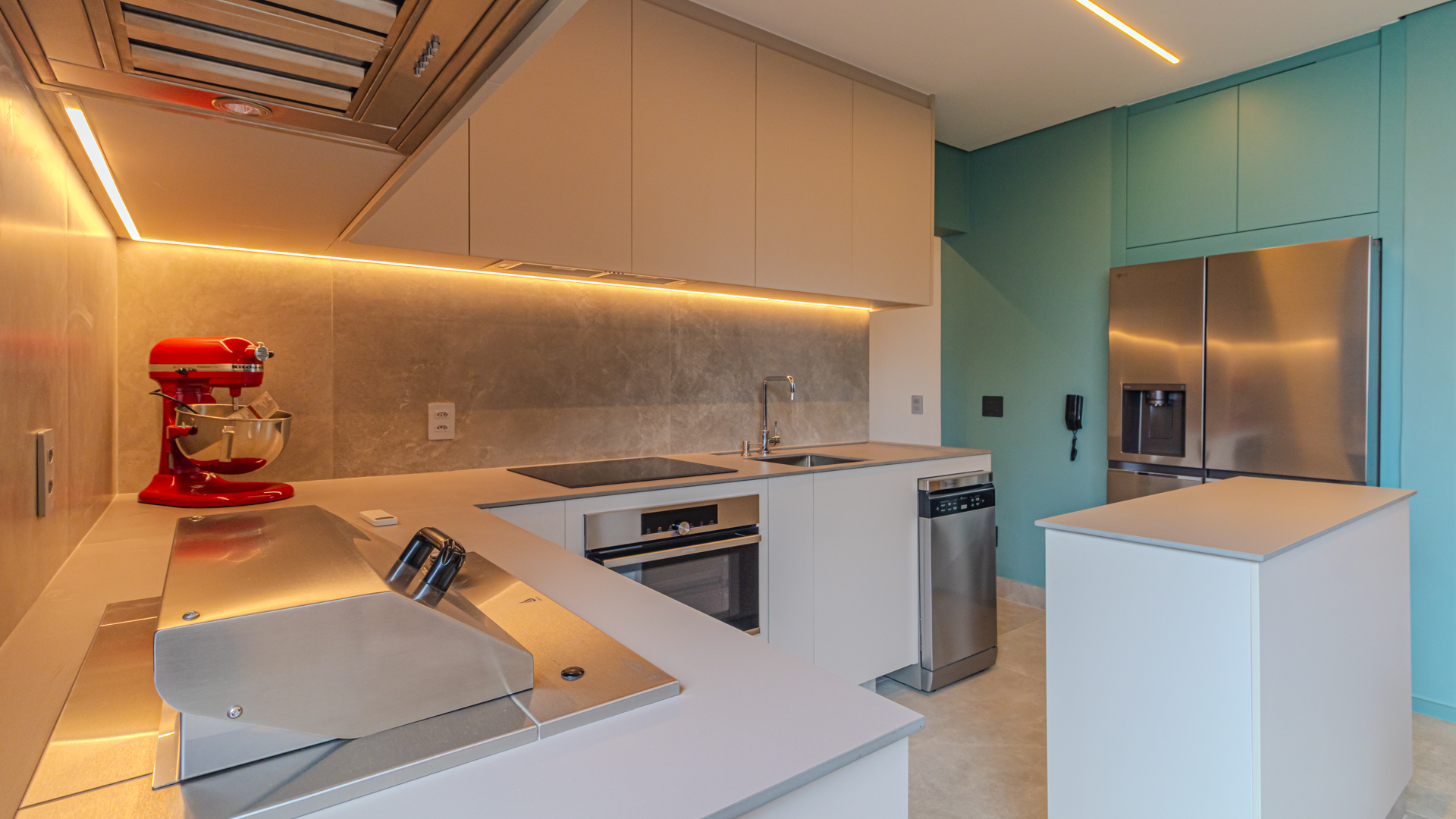
The same shoot exists in more than one version, and the expensive mistake is publishing the wrong one: the lightweight portal file goes to the print shop and comes out blurry on the yard sign; the watermarked image goes to the listing portal and gets rejected. This guide answers five delivery questions: which versions come out of each shoot and who uses each one, how many pixels print materials need, the three paths a file takes to its destination (two of them automatic), how to find an old shoot by address, and how long files stay available in Piperz.
How many versions of the same photo shoot are there?
Four, and they do not compete with each other: each one serves a different destination. A shoot is not a pile of loose JPEGs in a folder. Piperz delivers 30 to 60 edited photos, and the system generates the separate folders automatically: clean, lightweight images optimized for listing portals and — when the brokerage turns the option on — images with its watermark, for its own website. The watermark is not the default. By default the shoot goes out clean, because that is the version listing portals accept. If you want the branded version, you switch the option on once and it goes out on its own from then on, with nobody resizing images or applying the logo afterward. The lightweight version exists because every listing portal sets its own file limit. The high-resolution version is the one that goes to print. And the building photos cover the common areas, which repeat across every unit in the same building.
| File version | What it is for | Where it is used | Who usually asks for it |
|---|---|---|---|
| Lightweight and clean, optimized for listings | Uploading fast without going over the portal's limit | Listing portals and the property record in the CRM | Listing coordinator |
| With the brokerage's watermark | Sharing branded images outside the portal | Brokerage website and social media | Marketing |
| High resolution | Enlarging without losing sharpness | Yard sign, flyer and owner presentation | Marketing, print shop and leadership |
| Building photos (common areas) | Reusing the building across several units | Listings for every unit in the same building | Listing coordinator |
Who at the brokerage downloads each version?
The problem is almost never a missing file. It is getting the right file to the right person without the listing coordinator becoming a human relay in a group chat, forwarding photos one by one to agents, marketing and the print shop. The fix is to give access by role instead of handing out files by message: in the Piperz dashboard, each profile sees the folder for its role, and whoever needs the lightweight version never stumbles into the print folder. Count six roles inside a brokerage, and each one makes a predictable mistake. The table below maps who takes what, and what that typical mistake is.
| Role | What they need | How they get it | The classic mistake |
|---|---|---|---|
| Listing coordinator | Lightweight, clean version | Portal folder in the dashboard | Publishing the watermarked version |
| Agent in the field | Photos to send to a client | Property link on their phone | Asking the coordinator for photos by text |
| Marketing | Watermarked and high-resolution versions | Separate folders from the same shoot | Using the portal file in a print piece |
| Print shop or agency | High resolution of the chosen room | File sent by marketing | Getting the lightweight version and sending the job back |
| Property owner | A presentation of the shoot's results | Selection sent by the listing agent | Sharing images without agreeing on usage |
| Leadership | A few high-impact images | Ready-made selection, without asking the coordinator | Reopening the whole shoot to find two photos |
Everything above is operational access — how the file reaches each person. Who may use each photo, and for how long, is a different conversation, and it is settled in the contract, not in the dashboard.
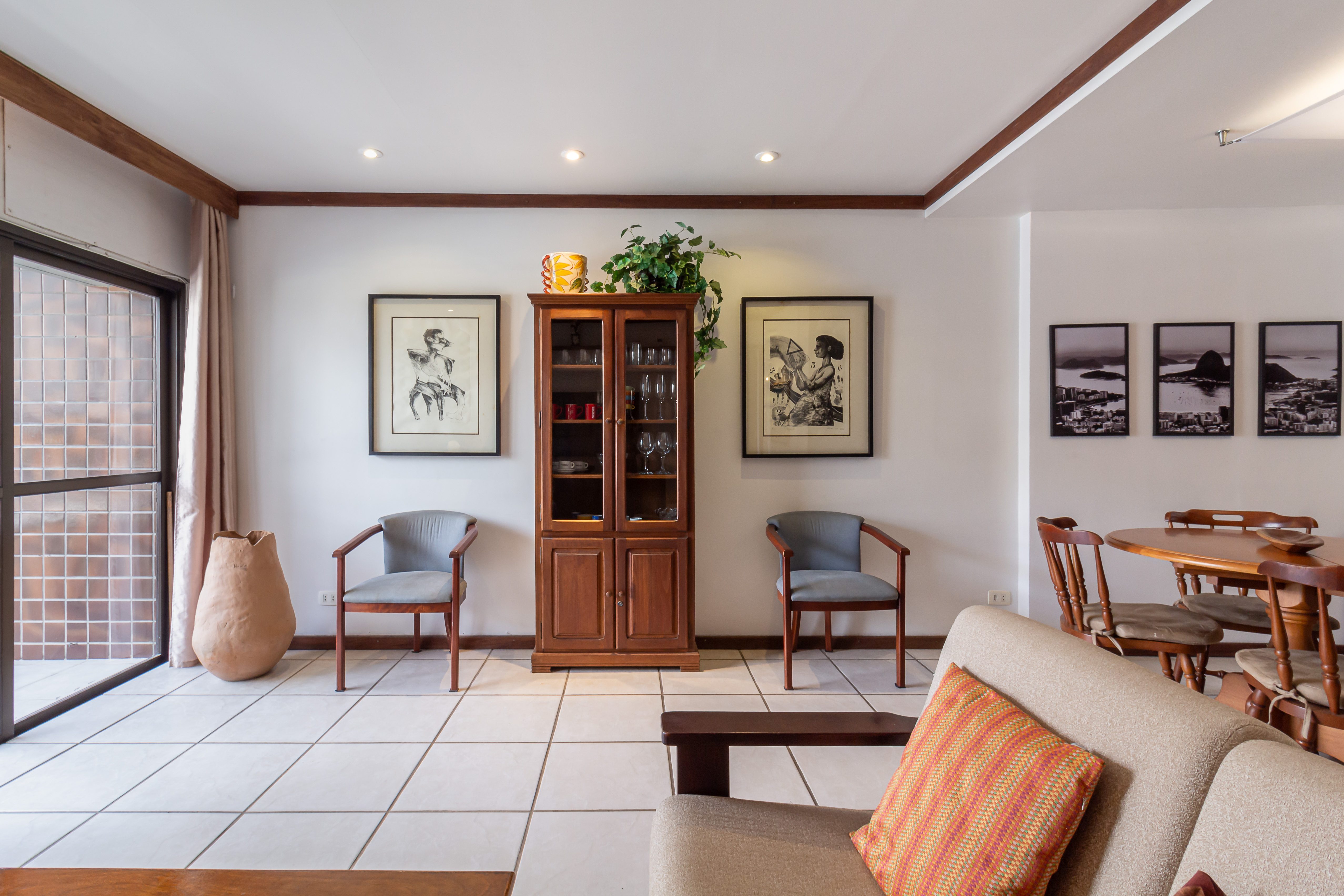
Listing coordinator distributing the versions of a shoot for the portal, the website and print materials
What resolution does a photo need for a yard sign, a flyer or a presentation?
The photo does not set the file size: the final printed size does, multiplied by the print density and adjusted for viewing distance. The math is always the same:
pixels = inches × dpi (or centimeters ÷ 2.54 × dpi)
Density drops as distance grows. The ranges below are common print-industry practice, not a technical standard:
- Handheld material, read at arm's length: 300 dpi.
- For-sale sign, read from the sidewalk: 150 dpi.
- Building banner, read from across the street: 100 dpi.
The table below shows what each print piece requires — the final piece sets the pixel count, not the other way around. Piperz puts the high-resolution version in its own folder, delivered together with the edited shoot; how many pixels your material will need depends on the final size of the piece, and that is what the table works out.
| Material | Final size | Density | Pixels needed |
|---|---|---|---|
| Half-letter flyer | 8.5 × 5.5 in | 300 dpi | 2,550 × 1,650 px |
| Letter-size printed presentation | 11 × 8.5 in | 300 dpi | 3,300 × 2,550 px |
| Yard sign | 24 × 18 in | 150 dpi | 3,600 × 2,700 px |
| Building banner | 6 × 3 ft | 100 dpi | 7,200 × 3,600 px |
Can photos get into the CRM without anyone downloading anything?
Yes, on two of the three paths. In integrated operations, photos and video land directly in the property record, with no download and no forwarding: nobody has to remember to move a file. When the system is your own, the path is a webhook. Piperz fires an HTTP POST when the session closes, with direct, secure URLs to the files, and your system stores what it received; the fields are in the Piperz API documentation. The dashboard keeps a delivery log with the HTTP status of every call — 200, 404, 500 — and a manual resend button for when your API is unstable. Before turning on either automatic path, agree on the property reference code and on who owns that key: it is what separates the file that finds the right record from the one that arrives orphaned.
| Path | Who runs it | Where the file shows up | When it does not work |
|---|---|---|---|
| Download from the dashboard | A person at the brokerage | On the computer of whoever downloaded it | It depends on someone remembering |
| Native CRM integration | Automatic | Directly in the property record | When your CRM is not one of the integrated ones |
| Webhook to your own system | Automatic, when the session closes | Wherever your system stores the POST it receives | Instability in your API — the log shows it and a resend fixes it |
| Field sent | What arrives |
|---|---|
| session_id | Identifier of the closed session |
| referencia | The property's code in the brokerage's system |
| endereco | The address where the shoot took place |
| material[].servico | Type of material (photos, video, tour) |
| material[].items | Direct, secure URLs to the files |
| material[].empreendimento | true for the building and common areas; false or absent for the unit |
The material[].empreendimento field set to true is what separates common-area material: it arrives apart from the unit and can be reused across every apartment in the same building.
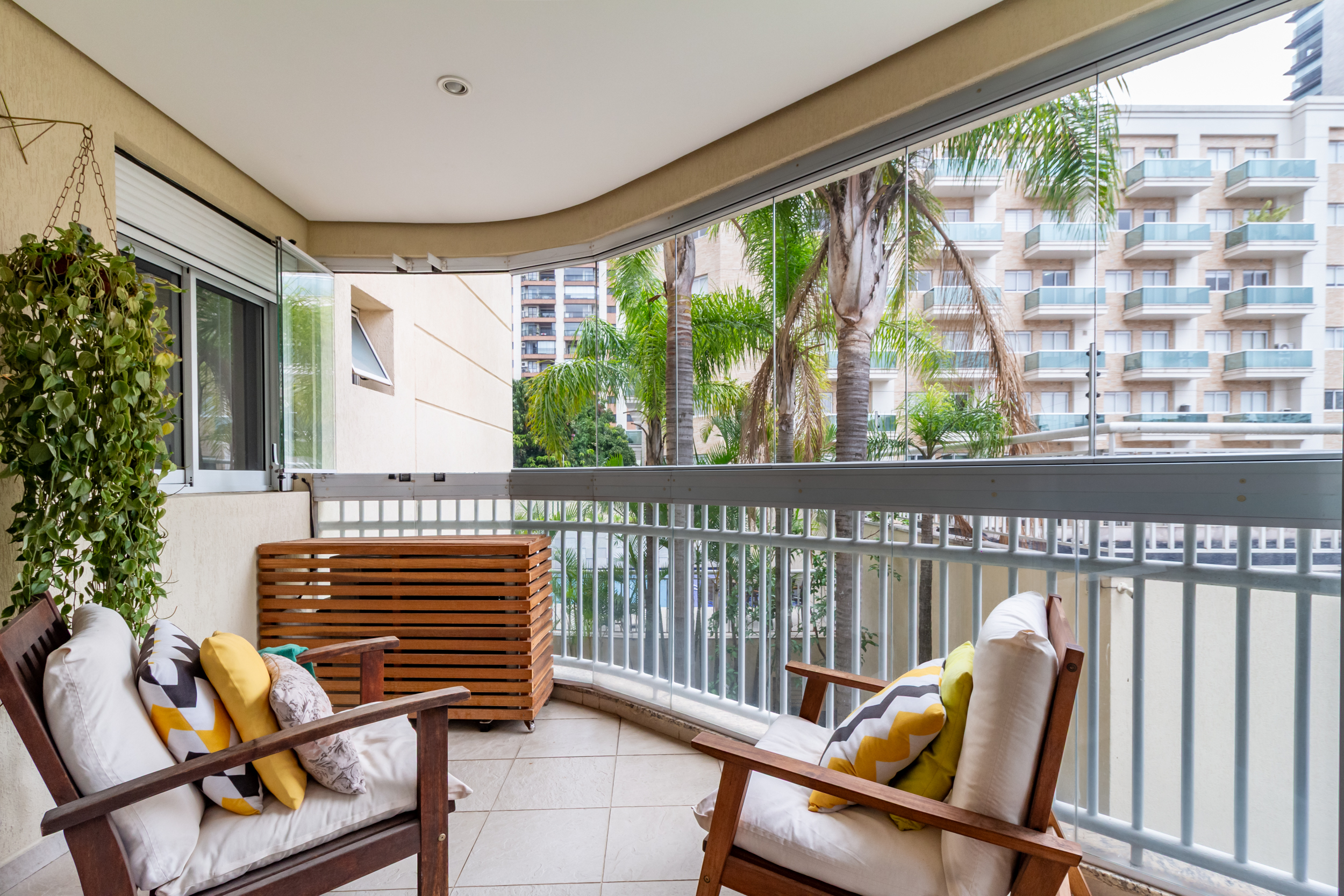
A delivered shoot linked to the property's address: that is what lets the material flow into the CRM record on its own
How do you recover the shoot for a property that is back on the market?
Search by address. The Piperz archive is organized by the property's address, not by whatever name someone gave the folder on shoot day — and that difference shows up months later, when the owner lists again. When things are improvised, the ending is familiar: the link the photographer sent has expired, the cloud drive has a folder called "Smith house final2" and nobody knows whether it holds the edited photos or the raw files. The brokerage pays for the same shoot twice. With the link to the address preserved, relisting is a search, not a new shoot. Before reusing anything, though, ask one question: does the property still look like those photos? A renovation, new furniture, a repainted facade and even the season change what the image claims — and listing portals require the photo to match what is being listed, so check your MLS's photo rules too. A well-organized archive serves both decisions: reuse when nothing has changed, and know exactly what to redo when something has.
How long do the files stay available?
While the contract is active, delivered shoots remain available in the Piperz archive — that is what makes the reuse described above possible. But availability during the contract is not the same as storage after it. The limit is written into the platform's terms of use: after cancellation, the customer has a set period to download stored files; the platform is not a permanent storage service; the customer is responsible for keeping their own backups; and old, inactive files or files with no active contract can be removed. The practical recommendation follows from that: keep your own copy of the shoots for properties already sold or rented, which are exactly the ones that drop out of day-to-day use. Understanding how the Piperz software runs media helps you decide what stays on the platform and what moves to your own archive. For the pipeline behind those files, see how to manage real estate photo and video production.
Frequently asked questions
Do the photos come in high resolution or only at portal size?
Both. A shoot delivered by Piperz is split into folders by destination: a lightweight, clean version optimized for listing portals' limits, and a high-resolution version in its own folder, which is the one used for yard signs, flyers and presentations. There is nothing extra to request and no resend to wait for: both come out in the same delivery.
Can I download the photos without a watermark?
Yes, and in fact that is the default. By default the shoot goes out clean, because that is the version listing portals accept. The brokerage's watermark is an option you turn on once, and from then on it generates an additional folder of branded images, meant for your own website and social media — never as a replacement for the clean version.
What resolution does a photo need to print a yard sign or a flyer?
It depends on the final size of the piece and on the distance it is read from. The math is pixels = inches × dpi. As a practical reference: 300 dpi for handheld material, 150 dpi for a sign read from the sidewalk and 100 dpi for a building banner. A 24 × 18 in yard sign at 150 dpi needs about 3,600 × 2,700 pixels.
My system is not one of the integrated CRMs: can I still integrate?
Yes, by webhook. Piperz fires an HTTP POST when the session closes, with direct, secure URLs to the files, and your system stores what it receives. The dashboard logs the HTTP status of every call and lets you resend manually when your API goes down, so a temporary outage does not mean lost material.
The right file reaching the right destination on its own is what separates a media operation from a shared folder. To see how the full flow works, browse what changes for the brokerages already working this way.
Written by the Piperz Editorial Team
__Piperz__ is a platform dedicated to simplifying the secure delivery of real estate media, connecting photographers and helping brokerages and agents sell faster through professional imagery.